




MÓDULO MIRAITOUCH OPS 80 PIN JAE GOOGLE CHROMEBOX i3-1315U 8G - 256G - 4K



Ref: TLCB1T-I3 Miraitouch
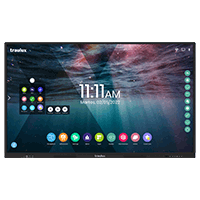
Ops module chromebox i3 miraitouch. compatible with all traulux and clevertouch interactive displays
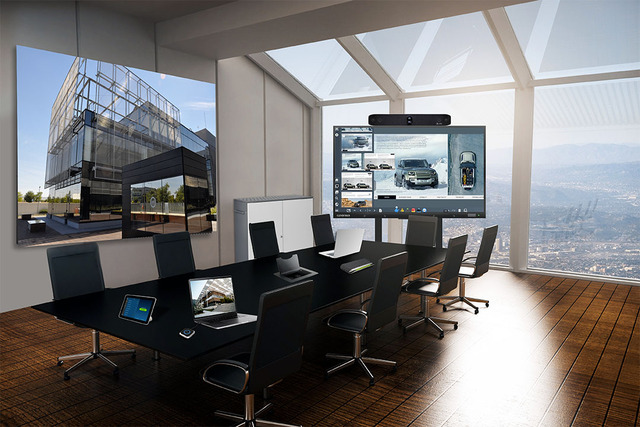
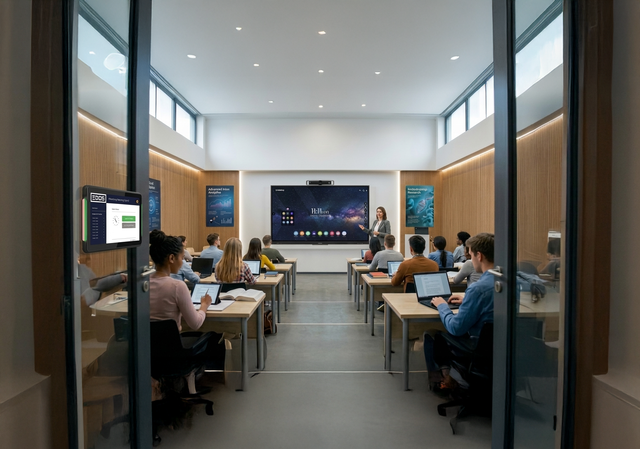
Turn any interactive display into a chrome os device with this chromebox that plugs into the ops slot*. Enroll your interactive displays in google's remote management console, just like you would with any personal chromeos device (requires a chrome enterprise upgrade or chrome education upgrade license). No cables or plugs are needed, as it's integrated directly into the display.
*compatible with ops 80 pin jae.
compatible with interactive displays:
traulux tlm80, tx90 and later
clevertouch from the impact, impact plus and ux-pro series and later
compatible with non-interactive digital signage monitors:
clevertouch cl pro series and later
download the user manual and cataloghere
3-year warranty (new equipment only).
if you have any questions, please contact usHere.
bulk management from the administration console
main general features of chromeos:
flexibility and scalability
security and support
hardware
Turn any interactive display into a chrome os device with this chromebox that plugs into the ops slot*. Enroll your interactive displays in google's remote management console, just like you would with any personal chromeos device (requires a chrome enterprise upgrade or chrome education upgrade license). No cables or plugs are needed, as it's integrated directly into the display.
*compatible with ops 80 pin jae.
compatible with interactive displays:
traulux tlm80, tx90 and later
clevertouch from the impact, impact plus and ux-pro series and later
compatible with non-interactive digital signage monitors:
clevertouch cl pro series and later
download the user manual and cataloghere
3-year warranty (new equipment only).
if you have any questions, please contact usHere.
bulk management from the administration console
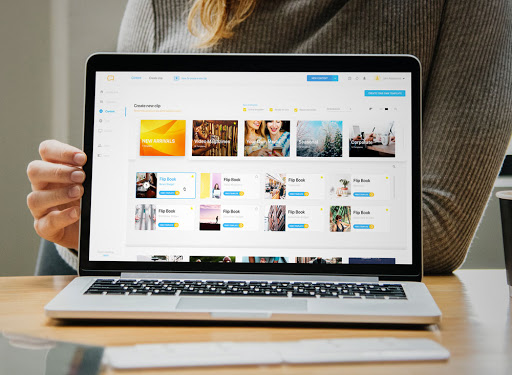
Google workspace allows you to set the ops chromebox module as a management target. Configure bookmark management and other parameters remotely and simultaneously. Remote support is also available.
Use the chrome browser directly and avoid learning new processes.
Use the chrome browser directly and avoid learning new processes.
Present your content (resources, digital textbooks, etc. ) on the interactive monitor directly from the chrome browser.
It unifies the user experience and eliminates the learning curve: all ict devices under the same ecosystem. The ops miratouch has the same user interface as a chromebook. Even for new chrome os users, the experience is very intuitive and easy.
digital signage and interactive kiosks
digital signage and interactive kiosks
With a chrome enterprise or kiosk & signage license, you can configure a horizontal or vertical display, preventing users from exiting a single application. You can also deploy google's digital signage.
main general features of chromeos:
ease of use
- Intuitive touch operation 100% unified with the rest of the devices.
- Turn on and use chromeos.
- same user interface as a chromebook™
- the content can be presented in a large interactive format
flexibility and scalability
- install your favorite apps from the google play store
- Install chrome extensions for educational content and more.
- Device registration and policy enforcement through the administration console.
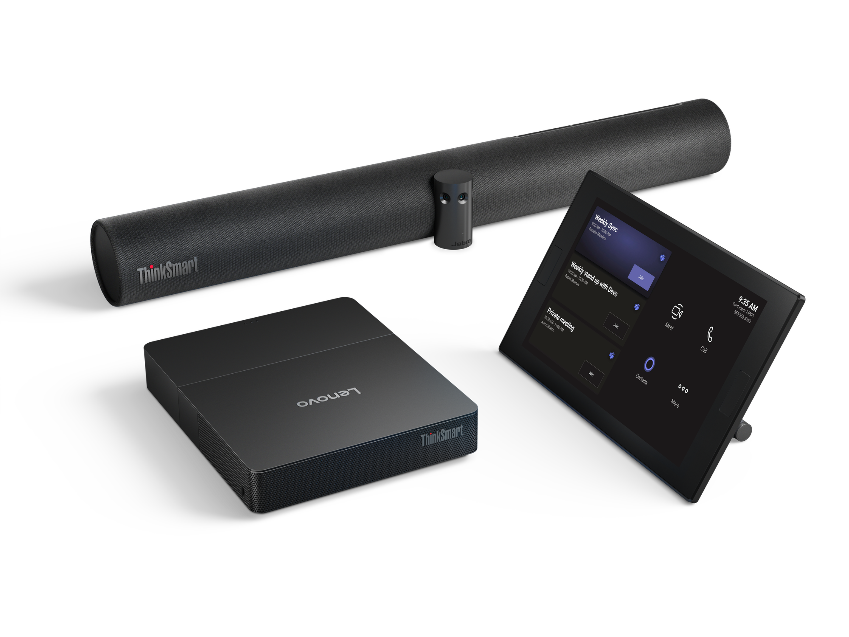
- Compatible with many manufacturers of external usb av devices (cameras, video conferencing bars, microphones. . .)
- Remotely manageable software update.
security and support
- Maximum security.
- Device certified by google guaranteeing full compatibility.
- The operating system is automatically updated to the latest version.
- apply app whitelists and rules
- Unlimited number of users and quick and secure profile exit.
- Advanced device security: encryption, pin required, 2fa authentication, conditional access, granular control of apps and extensions.
hardware
- ops jae - 80 pin
- processor: intel core i3-1315u
- ram: 8gb ssd: 256gb
- uhd 4k
- wifi6e
- Bluetooth 5.2
- warranty: 3 years
Specifications
Marca: Miraitouch
Sistema operativo SoC: Google Chrome OS
Garantía interactivos (años): 3 (España y Portugal)
Downloads
 250922_brochure_miraitouch_tlcb1i3_spanish-_3647_3.pdf
¿Es compatible el OPS Chromebox Miraitouch con todos los monitores interactivos?
No, solo con los que lleven OPS o OPS-C 80 Pin JAE. Tampoco puede haber ningún tipo de bloqueo del fabricante de monitores interactivos para que no funcionen módulos de terceros. Charmex garantiza el funcionamiento sobre monitores interactivos TRAULUX o CLEVERTOUCH.
¿cómo puedo entrar y salir de mi perfil de Google de forma rápida y segura?
Si conectas un teclado inalámbrico, o por cable USB, los caracteres de la contraseña no se mostrarán. Igualmenete, para salir rápidamente de tu perfil (cerrar sesión) será necesario el teclado y usar el atajo: Ctrl + Shift + Q + Q.
¿Puedo instalar aplicaciones de Google Play Store en el OPS Chromebox Miraitouch?
Sí, igual que cualquier otro chrome OS
¿Qué diferencias hay entre usar un OPS o monitor Google EDLA y un OPS Chromebox desde la perspectiva del usuario?
En Chromebox:
- No hay curva de aprendizaje ya que la personalización por parte del fabricante es nula, experiencia 100% Google unificada.
- El número de usarios / perfiles es ilimitado, y tiene formas de entrar y salir más rápidas y seguras.
- Gestión MDM mucho más potente y unificada con el resto de dispositivos gracias a la consola de administración de Google, aunque en este caso se necesita una licencia Chrome Enterprise Upgrade | Chrome Education Upgrade.
- Puedes configurar quioscos y cartelería digital. Requiere Chrome Kiosk & Signage Upgrade
- Tienes escritorio remoto para dar soporte.
- Seguridad avanzada, con cifrado PIN obligatorio, autenticación 2FA, acceso condicional, control granular de apps y extensiones (listas negras)
- Actualización contínua de software.
- Soporta extensiones Chrome, necesario para muchos libros digitales.
- Puede hacer videoconferencia con todas las funcionalidades desplegadas en Google Meet y es compatible con la mayoría de fabricantes de dispositivos AV por USB.
¿Tiene algún sistema integrado de proyección inalámbrica?
No, para usar proyección inalámbrica debe ir asociado a un monitor interactivo que lleve este sistema integrado, como los Traulux serie Performance o serie Conference.

Specifications
Marca: Miraitouch
Sistema operativo SoC: Google Chrome OS
Garantía interactivos (años): 3 (España y Portugal)
Downloads
Copyright © 2026 Charmex Internacional S.A.U.

FOLLOW US ON:


